Forget a CarPlay Connection on iPhone
Remove a saved car from your iPhone’s CarPlay settings to stop it reconnecting automatically. If the car still connects, delete the iPhone from the vehicle’s paired-device list too.

We independently review automotive electronics and diagnostic tools. When you buy through links on our site, we may earn a commission at no extra cost to you. Learn more ›
Find guides to phone compatibility, wired and wireless connections, adapters and head units. Start with the connection type your car supports, then follow setup or troubleshooting instructions for your phone and equipment.
Choose a starting point below, or browse the complete article archive further down.
Remove a saved car from your iPhone’s CarPlay settings to stop it reconnecting automatically. If the car still connects, delete the iPhone from the vehicle’s paired-device list too.
Check your vehicle’s year, trim, owner’s manual, and USB ports to learn whether it supports wired Apple CarPlay. A quick connection test can confirm compatibility, but the right port and cable matter.
Turn off Announce Notifications for CarPlay to stop Siri from reading incoming messages in your vehicle. Keep other CarPlay alerts on by changing message announcement settings instead of disabling every notification.
Wireless CarPlay can use more iPhone power because it relies on wireless connections and keeps navigation, audio, and display features active. Learn how to tell normal battery use from a connection or charging problem, then try safe steps to reduce drain.
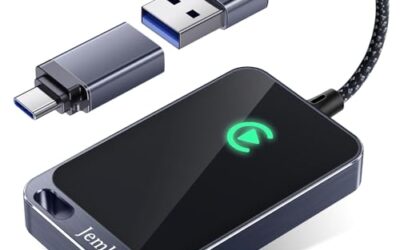
Switching phones usually means disconnecting the active iPhone and selecting another paired iPhone from your car’s CarPlay menu. Menu names and connection behavior vary by vehicle, model year, and stereo software.
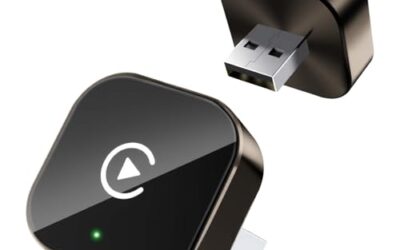
Adjust Apple Maps voice level in Maps settings on your iPhone, or change the car’s guidance volume while a prompt plays. Menu names and controls can vary by iOS version, navigation app, and vehicle.
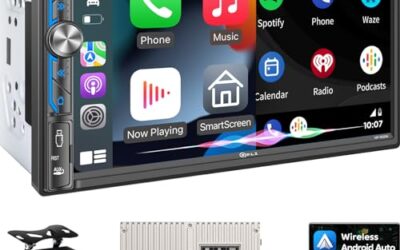
An Android head unit can support Android Auto, but its Android operating system does not guarantee that feature. Check for explicit Android Auto support, the connection type, and compatibility with your phone and vehicle.
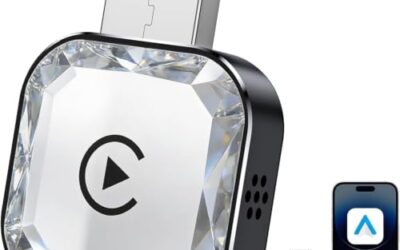
Android Auto can connect and run some features without mobile data, but online services need a connection. Learn what works offline, what depends on cellular service, and how to prepare your phone before a drive.
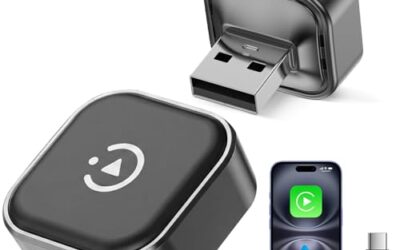
Reorder apps in Android Auto from the launcher settings on your phone. Learn where the setting appears, why some apps cannot be moved, and what to check if changes do not show in your car.
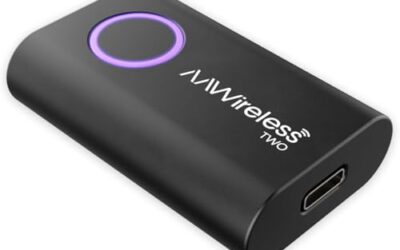
Clearing Android Auto’s cache can help with temporary connection or display problems. Follow these steps first, then check your cable, permissions, and car settings if the issue remains.