Yes, an Android head unit can support Android Auto, but running Android does not mean it includes Android Auto. The unit must support Android Auto specifically, and its connection method must work with your phone and vehicle installation.
- Android head unit means stereo runs Android as its operating system.
- Android Auto is a separate phone-projection feature, not another name for Android.
- Wired support does not automatically include wireless support.
- Check the exact head-unit model, phone requirements, vehicle wiring, and regional availability.
Does an Android head unit support Android Auto by default?
No. Android head units vary. Some support Android Auto, some support only Android apps on the stereo, and some may offer neither feature. The word “Android” in a listing describes the head unit’s operating system; it does not confirm phone projection.
Android Auto lets a compatible Android phone provide selected apps and functions through a compatible vehicle display. Depending on the system, that can include navigation, calls, messages, and audio apps. The phone handles much of the app activity, while the head unit provides the screen and controls.
An Android head unit can instead run apps directly on its own hardware. That experience may look similar on screen, but it is not necessarily Android Auto. It may use the stereo’s own internet connection, app store, GPS receiver, or processor. Which functions work depends on the unit and its setup.
Android head unit vs. Android Auto
| Term | What it means | What to check |
|---|---|---|
| Android head unit | Car stereo that runs Android software on the unit itself. | Operating system version, hardware, app support, and vehicle fit. |
| Android Auto | Phone-projection system that displays supported phone functions through a compatible receiver. | Explicit Android Auto support, phone compatibility, and connection type. |
| Android Auto app on a stereo | May refer to an app or a companion service, but wording alone does not prove full Android Auto support. | Documentation for the exact model and a clear description of how projection works. |
Do not treat “Android,” “Android Auto,” and “wireless Android Auto” as interchangeable terms. A listing might use them close together even though each describes a different capability.
How to tell whether an Android head unit supports Android Auto
Check the exact model number in the manufacturer’s documentation or setup instructions. Look for Android Auto support stated as a feature, then check whether it works by USB, wirelessly, or both. If the documentation only says Android OS or Android apps, that does not establish Android Auto compatibility.
- Identify the exact unit. Record its brand, model, and hardware or firmware version. Similar-looking units may use different software or connections.
- Find the Android Auto instructions. Check the unit’s manual or official support information. Look for steps that name Android Auto, not only Bluetooth, screen mirroring, or app installation.
- Check wired or wireless operation. A USB port may support charging or file access without supporting Android Auto. Wireless support is a separate capability, not an automatic result of having Bluetooth or Wi-Fi.
- Check your phone. Android Auto compatibility depends on the phone’s Android version, software, and region. Follow Google’s current setup requirements for your device.
- Check the vehicle installation. Confirm the stereo’s harness, mounting kit, antenna connections, and any vehicle-specific interface match the vehicle’s model year and equipment.
Google’s Android Auto setup instructions explain phone setup and supported connection methods. For stereo selection and fit, see our guide to car stereos for Android phones or car stereos under $200.
What compatibility factors can change the answer?
Head-unit model and firmware
Feature support belongs to the exact head-unit model, not the general Android platform. Firmware can affect setup, stability, and available functions. Do not assume a software update will add Android Auto if the unit lacks the required support. Check the update notes and instructions for that model before changing firmware.
Phone operating system and region
Phone support can change with Android version, device, and country or region. Google’s current requirements are a better reference than an old listing or forum post. If a phone falls outside the supported setup, the head unit’s Android label will not fix that limitation.
USB, wireless, and phone connections
Wired Android Auto needs a suitable data connection, not only a charging port. A damaged cable, charge-only cable, or incorrect USB port can prevent setup. Wireless Android Auto needs support on both sides and uses a different connection process. Bluetooth pairing alone does not prove wireless Android Auto works.
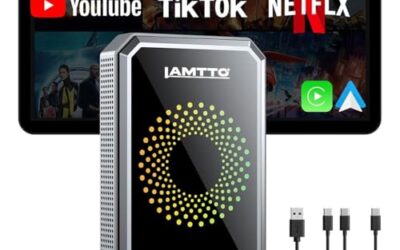
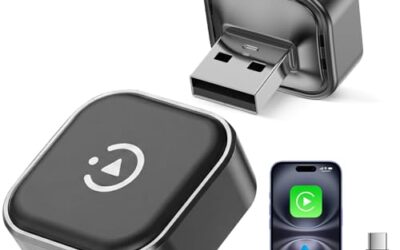
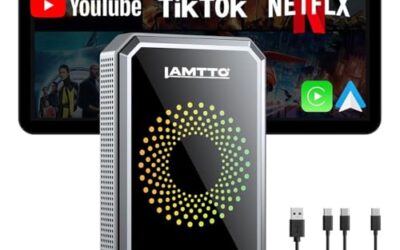
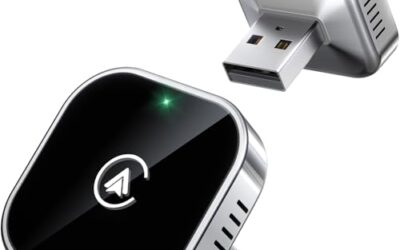
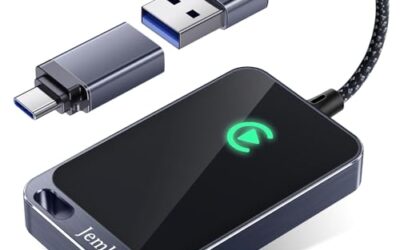
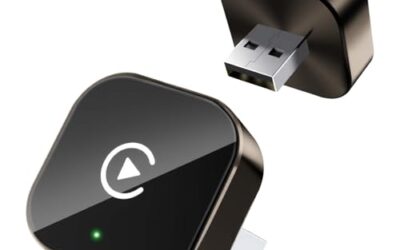
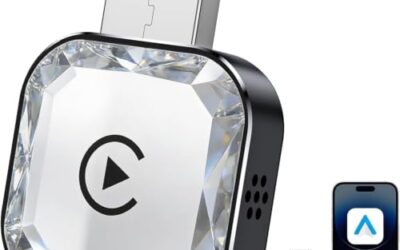
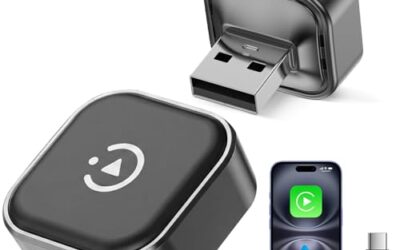
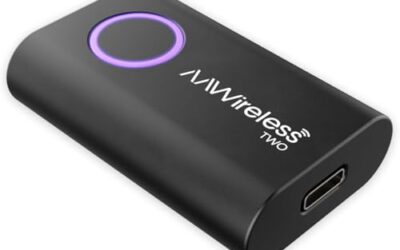
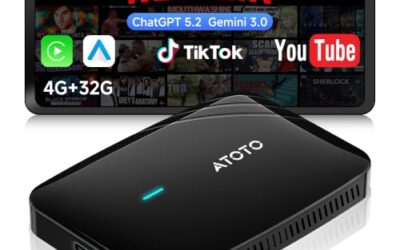
If a unit uses a separate adapter, check the adapter’s own requirements. Adapter compatibility may depend on the head unit already supporting wired Android Auto. An adapter cannot be assumed to add the feature to any Android stereo. Our article on Android Auto adapters for factory displays covers that separate use case.
Vehicle model year, voltage, and wiring
Vehicle fit is separate from Android Auto support. Model year and factory equipment can affect the dash opening, connectors, steering-wheel controls, backup camera, amplifier, and other retained features. Some installations need a vehicle-specific wiring interface or mounting parts.
Vehicle electrical systems and connectors also vary. Use the stereo and vehicle instructions to identify the correct power and wiring connections. Do not infer fit from connector appearance alone. A stereo may support Android Auto yet still require additional parts or professional installation to work properly in a particular vehicle.
Why Android Auto may not connect
If the unit claims Android Auto support but connection fails, start with simple checks. Note whether the problem is no connection, repeated disconnection, missing wireless operation, or a feature that stops after setup. That symptom can help separate a connection issue from a feature limitation.
- No Android Auto option: The exact unit may not support it, or its software may need the setup steps documented for that model.
- Phone charges but does not connect: Try the head unit’s specified data USB port and a known data-capable cable. Charging alone does not prove the USB connection carries data.
- Phone connects by USB but not wirelessly: The unit may support wired Android Auto only. Check its model-specific instructions before troubleshooting wireless settings.
- Connection drops: Check cable condition, USB port, phone settings, and available software updates. Change one factor at a time so the cause stays clear.
- Apps or controls are missing: Check phone permissions, app availability, and the head unit’s supported functions. Android Auto does not mirror every phone app.
Restart the phone and stereo only as their instructions allow. Avoid factory resets or firmware installation until simpler checks fail; those steps can erase settings or create new problems if performed incorrectly. If the unit’s manual does not explain the connection, ask its support provider for model-specific instructions.
Common mistakes
- Assuming Android OS means Android Auto. These are separate capabilities. Require explicit Android Auto support for the exact unit.
- Assuming Bluetooth means wireless Android Auto. Bluetooth may handle calls or pairing without providing Android Auto projection.
- Assuming every USB port supports data. Some ports may serve different purposes. Use the specified port and cable.
- Assuming screen mirroring is Android Auto. Mirroring and Android Auto have different functions and requirements.
- Ignoring vehicle integration. A compatible stereo may need a correct harness or interface to retain factory functions.
When to get professional help
Ask a qualified installer if the stereo wiring does not match the vehicle diagram, the installation affects factory cameras or steering-wheel controls, or the unit repeatedly loses power. Seek help if you are unsure how to connect vehicle wiring or retain factory equipment. Do not cut or modify vehicle wiring based on color alone; wire colors and functions can vary by model and year.
If the unit powers on and works but Android Auto remains absent, first ask the seller or manufacturer to confirm support for the exact model and firmware. If Android Auto works with one phone but not another, compare each phone with Google’s current requirements before changing vehicle wiring.
Gear that can help
If you need car stereos for this job, these picks already appear in our car stereos guides. Check the full guide for fit and who should skip each one.

Pros
- Offers both wired and wireless Apple CarPlay and Android Auto
- Provides Bluetooth 5.3, hands-free calling, and audio streaming
- Includes sound adjustment features such as built-in DSP and a 10-band equalizer
- Supports steering-wheel controls and backup camera integration
Cons
- Wi-Fi hotspot functionality is not included
- Vehicle compatibility requires a dashboard opening of at least 6.69 x 3.81 inches and may require additional wiring or antenna parts
Specifications
| Size | 7" |
|---|---|
| Weight | 2.70948119998 Pounds |
| Formats | WMA, WAV, MPEG |
| Product Group | Automotive Parts and Accessories |
| Binding | Electronics |
Best For / Avoid If
Best for buyers prioritizing
- Offers both wired and wireless Apple CarPlay and Android Auto
- Provides Bluetooth 5.3, hands-free calling, and audio streaming
- Includes sound adjustment features such as built-in DSP and a 10-band equalizer
Consider another option if
- Wi-Fi hotspot functionality is not included
- Vehicle compatibility requires a dashboard opening of at least 6.69 x 3.81 inches and may require additional wiring or antenna parts
Pros
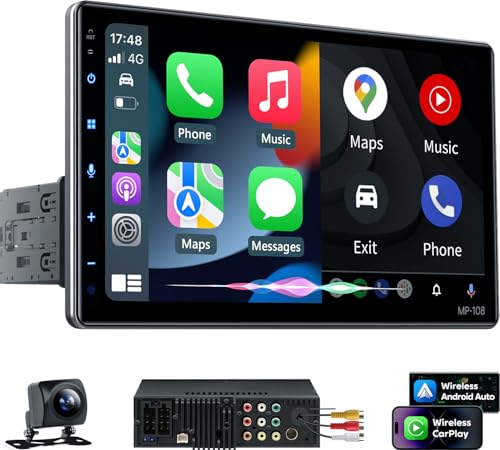
- Offers both wired and wireless CarPlay and Android Auto connectivity
- Large touchscreen is compatible with most single- and double-DIN dash openings
- Provides Bluetooth 5.3, voice control, DSP, and a 10-band EQ
- Supports steering wheel controls and live navigation through connected phones
Cons
- Dash opening fit must be confirmed before installation
- Some vehicles may require a separate wire harness adapter and radio antenna adapter
Specifications
| Size | 10.1" |
|---|---|
| Weight | 6.02082437522 Pounds |
| Formats | WMA |
| Product Group | Automotive Parts and Accessories |
| Binding | Sports |
Best For / Avoid If
Best for buyers prioritizing
- Offers both wired and wireless CarPlay and Android Auto connectivity
- Large touchscreen is compatible with most single- and double-DIN dash openings
- Provides Bluetooth 5.3, voice control, DSP, and a 10-band EQ
Consider another option if
- Dash opening fit must be confirmed before installation
- Some vehicles may require a separate wire harness adapter and radio antenna adapter

Pros
- Combines wireless smartphone integration with Bluetooth 5.3
- Includes both dash cam and backup camera hardware
- Offers physical controls in addition to touchscreen operation
- Provides dual subwoofer outputs, DSP, and a 10-band EQ
Cons
- Dashboard opening must meet the stated minimum size of 6.69 by 3.81 inches, or an additional dash kit may be needed
- Some vehicles may require separate wire harness and radio antenna adapters
Specifications
| Size | Double Din (7 inch) |
|---|---|
| Dimensions | 3.66 x 7 x 3.93 inches |
| Product Group | Automotive Parts and Accessories |
Best For / Avoid If
Best for buyers prioritizing
- Combines wireless smartphone integration with Bluetooth 5.3
- Includes both dash cam and backup camera hardware
- Offers physical controls in addition to touchscreen operation
Consider another option if
- Dashboard opening must meet the stated minimum size of 6.69 by 3.81 inches, or an additional dash kit may be needed
- Some vehicles may require separate wire harness and radio antenna adapters
FAQ
Can I install Android Auto on any Android head unit?
No. An app download cannot guarantee compatibility. The head unit needs the required Android Auto support, and the phone and connection must also meet applicable requirements.
Does an Android head unit need an Android phone?
Android Auto requires a compatible Android phone. The head unit’s own Android operating system does not replace the phone for Android Auto projection.
Can Android Auto work without a USB cable?
Yes, when both the head unit and phone support wireless Android Auto and meet setup requirements. A unit that supports wired Android Auto may not support wireless use.
Does screen mirroring count as Android Auto?
No. Screen mirroring is a separate feature. It does not confirm Android Auto support or provide the same interface and controls.
Sources and further reading
- Set up Android Auto (Google): Check current setup steps and phone connection requirements.