Switch Phones on Wireless Android Auto
Switching phones usually means disconnecting the active phone, then choosing the other phone from your car’s device list. Menu names and connection priority vary by vehicle, phone, and software version.

We independently review automotive electronics and diagnostic tools. When you buy through links on our site, we may earn a commission at no extra cost to you. Learn more ›
Find guides to phone compatibility, wired and wireless connections, adapters and head units. Start with the connection type your car supports, then follow setup or troubleshooting instructions for your phone and equipment.
Switching phones usually means disconnecting the active phone, then choosing the other phone from your car’s device list. Menu names and connection priority vary by vehicle, phone, and software version.
Remove a saved vehicle from Android Auto through your phone’s connection settings, then delete the phone from the car if needed. Menu names vary by Android version, and removing a car does not erase its settings from the vehicle.
CarPlay may resume music because of an iPhone app, a connected audio source, or your vehicle’s stereo. Work through these checks to find the cause and stop playback without losing other CarPlay features.
Wireless Android Auto uses Bluetooth to start the connection and Wi-Fi to carry the main phone-to-car link. Learn why both radios matter, when USB changes the setup, and what to check if pairing fails.
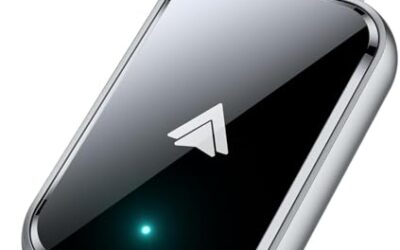
Check your phone, vehicle, and head unit separately to see whether wireless Android Auto should work. These steps also help distinguish a wireless-connection issue from a system that only supports wired Android Auto.
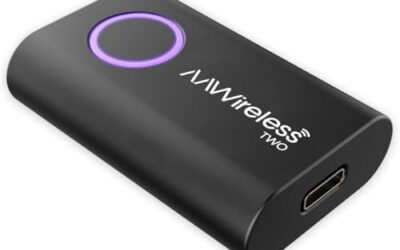
Download an area in Google Maps before driving, then connect your Android phone to a compatible Android Auto system. Learn what works offline, what needs a connection, and how to fix common map problems.
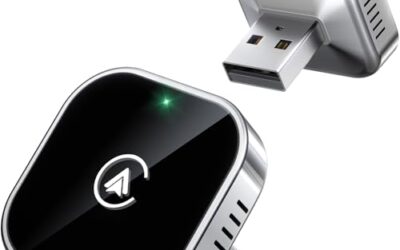
Compare 10 wireless CarPlay adapters under $100 by phone support, factory wired CarPlay requirements, connector options, price, and buyer fit.
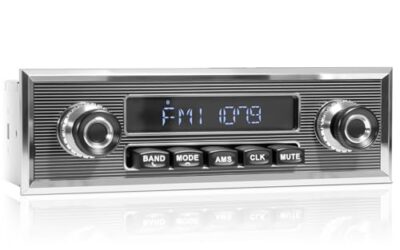
Compare three single-DIN truck head units: JVC for Bluetooth and audio controls, SOUNDKITS for classic styling, and PLZ for CarPlay and Android Auto. Fitment depends on truck dashboard space and wiring.
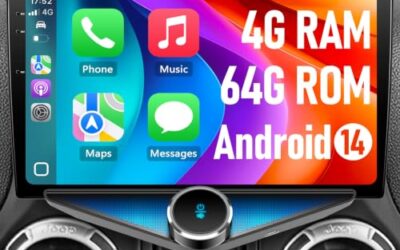
Compare seven CarPlay head units listed for 2007-2018 Jeep Wrangler JK models, with conditional picks for factory-style fit, large screens, Android features, camera support, and budget priorities.
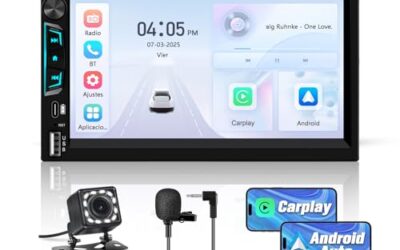
Alpine iLX-W670 is the Alpine pick here for wired CarPlay, a 7-inch touchscreen, and audio tuning. Check vehicle fit and installation needs before purchase.