Menu

We independently review automotive electronics and diagnostic tools. When you buy through links on our site, we may earn a commission at no extra cost to you. Learn more ›

Recording

Find the top-rated Recording musical instruments and audio gear at Instrument Pick. Compare specs, prices, and read expert reviews to get the best value.

6+ Reviews
Updated daily
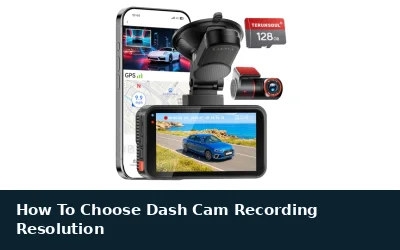
How To Choose Dash Cam Recording Resolution

How To Choose Dash Cam Recording Resolution

Dash cam resolution affects how clearly video shows plates, signs, and road events. Choose resolution alongside frame rate, lens angle, storage, night performance, and your vehicle’s power setup.

Daniel Carter Oct 16, 2026
How To Check If A Dash Cam Is Recording

How To Check If A Dash Cam Is Recording

A dash cam can show power while failing to save usable video. Check its recording indicator, storage status, timestamps, and saved files before relying on footage.

Daniel Carter Oct 12, 2026
How To Turn Off Dash Cam Audio

How To Turn Off Dash Cam Audio

Most dash cams let you stop microphone recording through a menu, phone app, or physical button. These steps explain where to look, how to confirm audio is off, and what changes across models.

Daniel Carter Oct 12, 2026
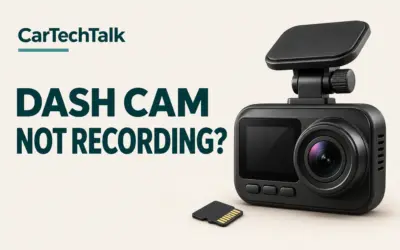
Why Is My Dash Cam Not Recording? Fixes and Tips

Why Is My Dash Cam Not Recording? Fixes and Tips

A dash cam not recording can stem from power issues, SD card errors, or settings problems. This guide covers common causes and step-by-step troubleshooting to diagnose why your dash cam isn't capturing video footage in your vehicle.

Daniel Carter Aug 21, 2026
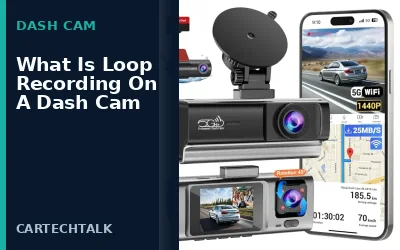
Understanding Loop Recording in Dash Cams

Understanding Loop Recording in Dash Cams

Loop recording on a dash cam is a feature that enables continuous video recording by overwriting the oldest footage when the storage is full. This ensures the dash cam always retains the most recent video clips, making it useful for capturing incidents without manual intervention.

Daniel Carter Aug 21, 2026