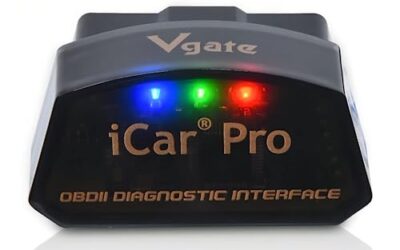
Best OBD2 Bluetooth Adapter for Torque Pro: Picks by Phone and Vehicle
Compare the best OBD2 Bluetooth adapters for Torque Pro, including Android, iOS, Windows, vehicle compatibility, power management, and diagnostic limitations.

We independently review automotive electronics and diagnostic tools. When you buy through links on our site, we may earn a commission at no extra cost to you. Learn more ›
Learn what a diagnostic scanner can read, how to interpret vehicle data and where a code reader reaches its limits. Use the explainers and diagnostic guides before comparing tools for a specific vehicle.
Compare the best OBD2 Bluetooth adapters for Torque Pro, including Android, iOS, Windows, vehicle compatibility, power management, and diagnostic limitations.
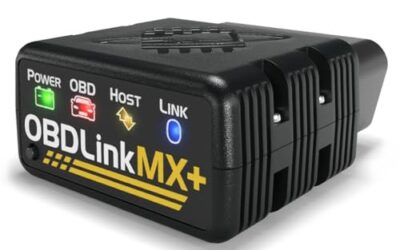
The best OBD2 Bluetooth iPhone adapter for most drivers is BlueDriver, with enhanced diagnostics and no subscription. Panlong, UJS Rocco Pro, OBDLink, FIXD, and specialty options serve different vehicle and app needs.

Compare iPhone-compatible OBD2 readers by diagnostic coverage, app support, subscription terms, vehicle compatibility, and limitations. BlueDriver leads for broader diagnostics, while FlyroadUp offers a lower-cost basic option.
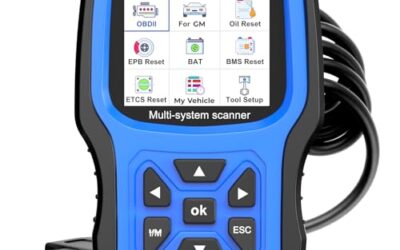
The AUTOPHIX 7210P+ is the strongest Chevy Volt pick for broad GM system diagnostics. Algvmis is the budget choice for hybrid compatible engine scanning, while FOXWELL suits advanced users.
Compare the best OBD2 scanners for VW vehicles, including VAG full-system tools, phone-based diagnostics, and budget Check Engine readers. Find the right fit for ABS, service resets, live data, and basic emissions codes.
Compare nine OBD2 scanners for the Ford F-150, from basic check engine readers to FORScan adapters, all-system tools, service reset scanners, and bidirectional models.
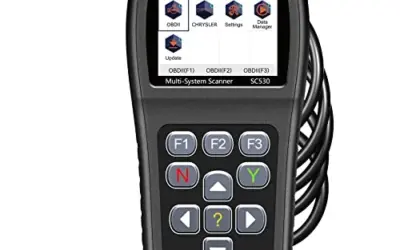
Compare the best OBD2 scanners for Dodge vehicles, from basic check-engine readers to Dodge-specific tools with ABS, SRS, transmission, reset, and bidirectional functions.
Save an OBD2 scan report before clearing codes so you keep fault data, freeze-frame details, and vehicle information. The correct method depends on scanner storage, phone app support, and file-sharing options.
OBD2 live data recordings show how sensor values change before, during, and after a fault. This guide explains tool setup, safe test drives, useful PIDs, and ways to read the captured file.

Short term fuel trim shows how much the engine computer changes injector fueling in response to oxygen sensor feedback. Learn what positive and negative readings mean, how to compare banks, and how to avoid misdiagnosing normal corrections as faults.