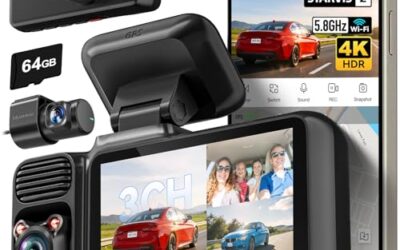
Best 360 Degree Dash Cam for Four-Side Coverage
Compare four-channel 360-degree dash cams with three-channel alternatives, including resolution, GPS, storage, wiring, parking modes, and buyer-specific tradeoffs.

We independently review automotive electronics and diagnostic tools. When you buy through links on our site, we may earn a commission at no extra cost to you. Learn more ›
Understand recording, storage, camera placement and power options before choosing a vehicle camera. Follow the guides below for setup, saved footage and common recording problems.
Compare four-channel 360-degree dash cams with three-channel alternatives, including resolution, GPS, storage, wiring, parking modes, and buyer-specific tradeoffs.
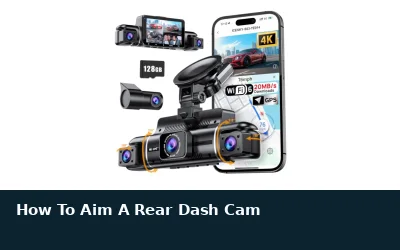
Aim a rear dash cam to show the lane behind your vehicle without wasting the frame on the sky or cargo area. These steps cover glass angle, hatch movement, glare, wiring, and final checks.
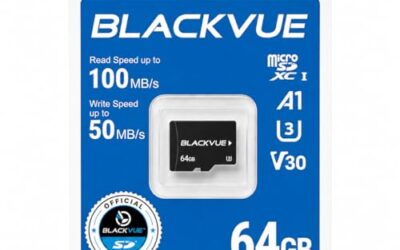
Compare nine microSD cards for BlackVue dashcams, including the official 64GB replacement, endurance-rated 128GB and 256GB options, capacity limits, formatting, and compatibility cautions.
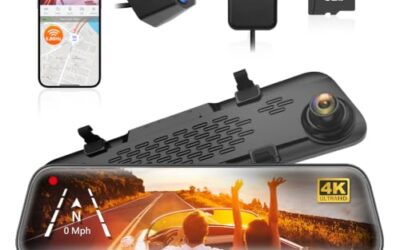
Compare 10 manufacturer-listed dash cameras and portable backup camera systems with WiFi, including dual-channel, four-channel, mirror, CarPlay, RV, and trailer options.
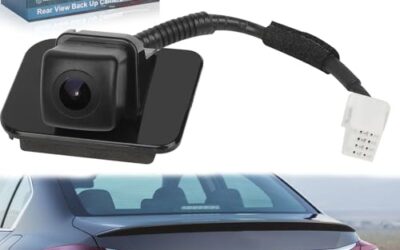
Compare eight aftermarket backup camera sets for Honda Accord by fitment, OE numbers, installation approach, price, and limitations.
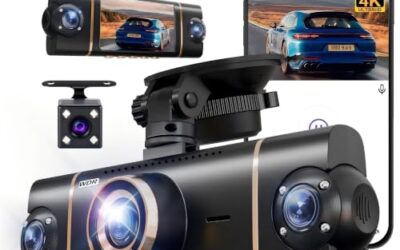
Compare four-camera trucker dash cams by coverage, GPS, storage, app access, installation, and parking-mode requirements. HUPEJOS is the clearest trucker fit, while Tehclife offers a lower-cost truck-compatible setup.
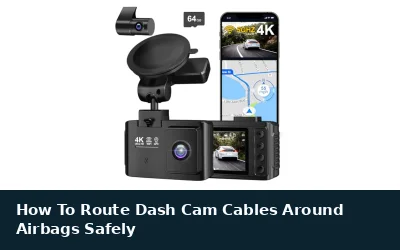
Route dash cam wiring behind trim without crossing an airbag deployment path or trapping cable under trim clips. These steps cover A-pillars, headliners, fuse taps, side curtains, and checks after installation.
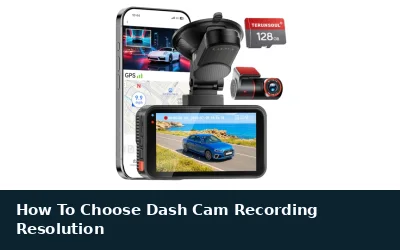
Dash cam resolution affects how clearly video shows plates, signs, and road events. Choose resolution alongside frame rate, lens angle, storage, night performance, and your vehicle’s power setup.
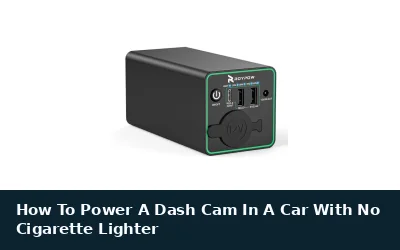
How to power a dash cam in a car with no cigarette lighter depends on available USB ports, fuse access, and parking-mode needs. This guide explains safe wiring choices, voltage limits, installation steps, and common compatibility problems.
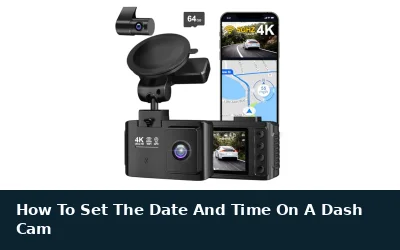
Set your dash cam clock through its screen menu or companion phone app, then check time zone and daylight-saving settings. A wrong clock can weaken the timeline shown on saved video, especially after power loss or a long storage period.